For teams
Every modeler, every office, the same standard.
Share templates across your firm so every project starts from an approach you've approved.
How firms standardize with EP3 →EnergyPlus modeling, built for AI
AI when you want it, and never when you don't.
Same software, same templates, same workflow.
Full EnergyPlus modeling for projects where AI isn’t allowed. Nothing changes about how you work.
Nothing is sent to an AI model.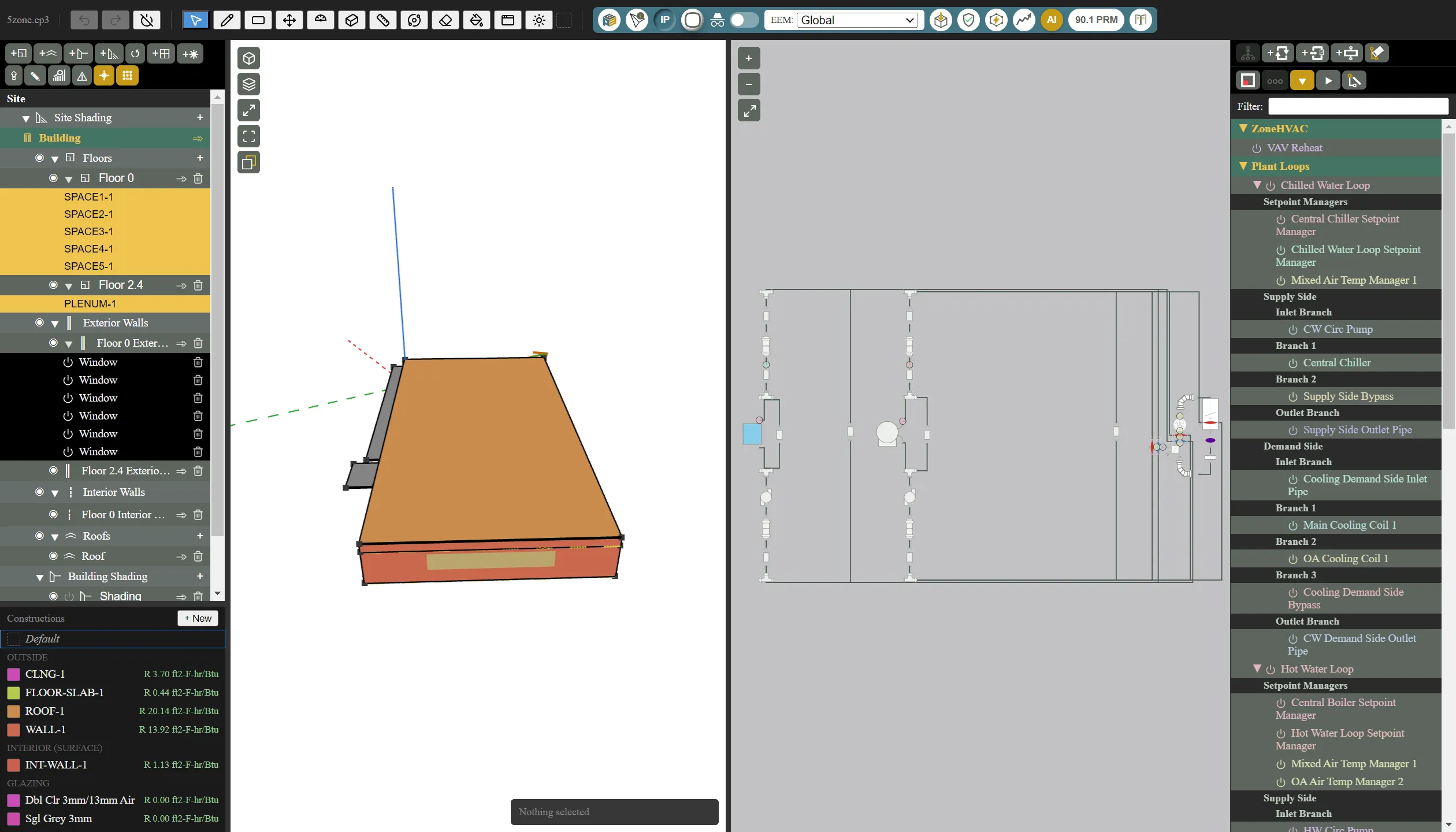
Atlas runs on a model on your computer through LM Studio or Ollama. It answers EnergyPlus and EP3 questions from the handbook and reads the files you attach. Models that pass EP3’s test can also explain errors and unmet hours.
Free · your model never reaches an AI provider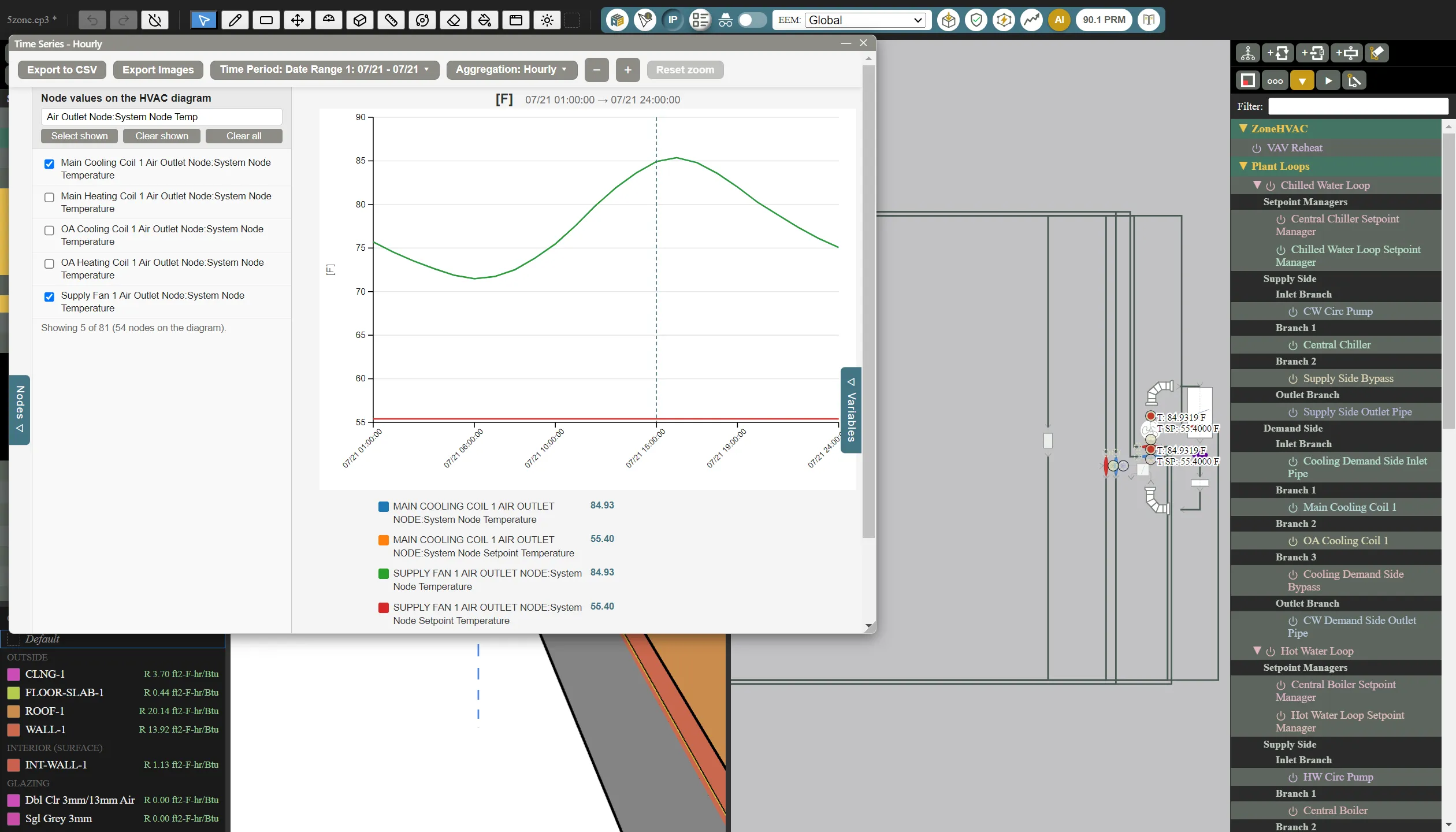
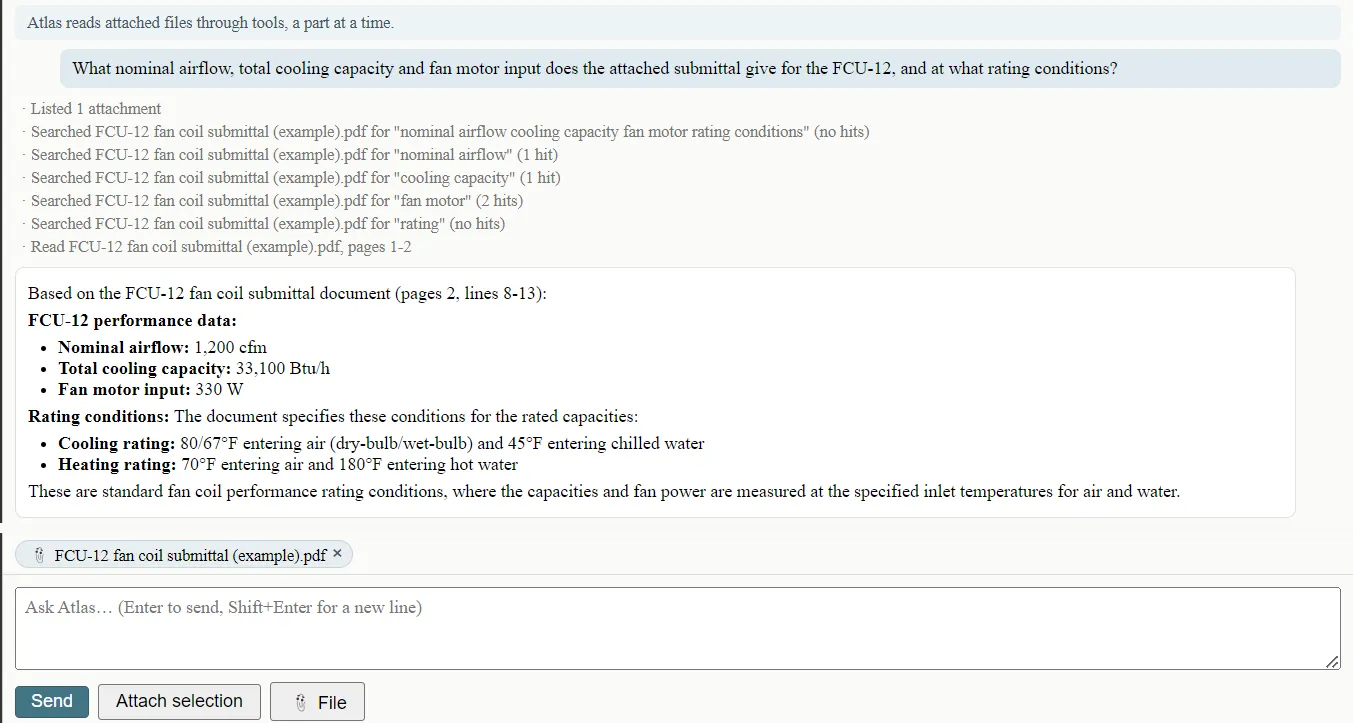
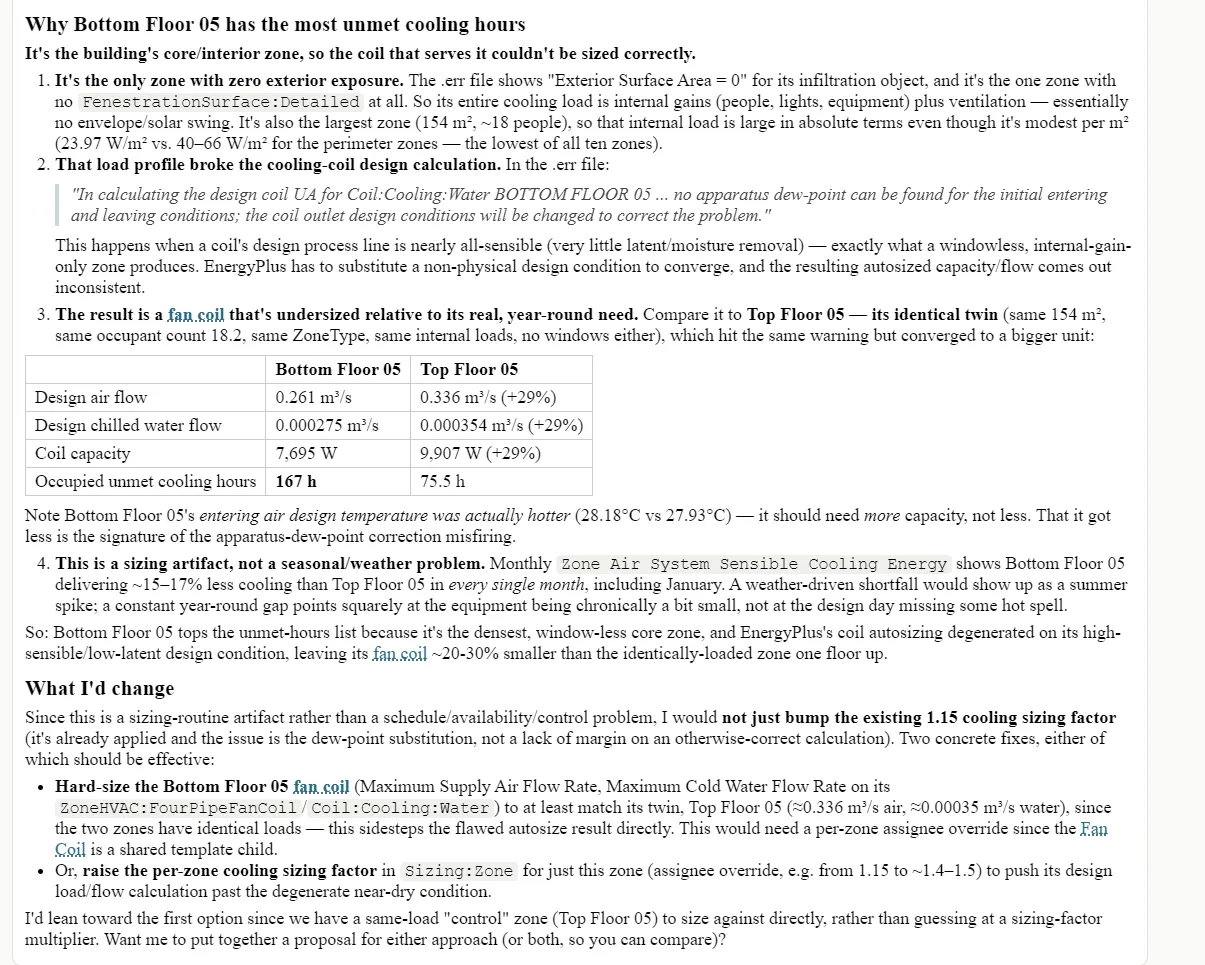
Open Atlas from any object or simulation error. It reads your model, results and attached files, traces errors and unmet hours to their cause, and proposes fixes you Integrate or Reject.
Anthropic, OpenAI or Google · billed by the provider, no markup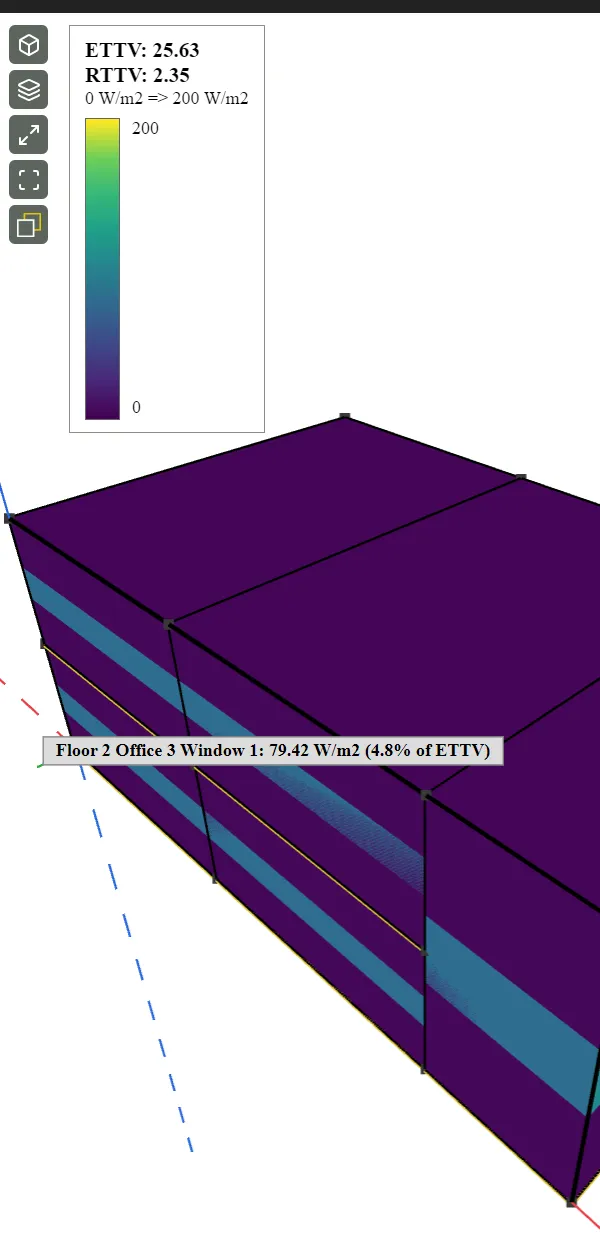
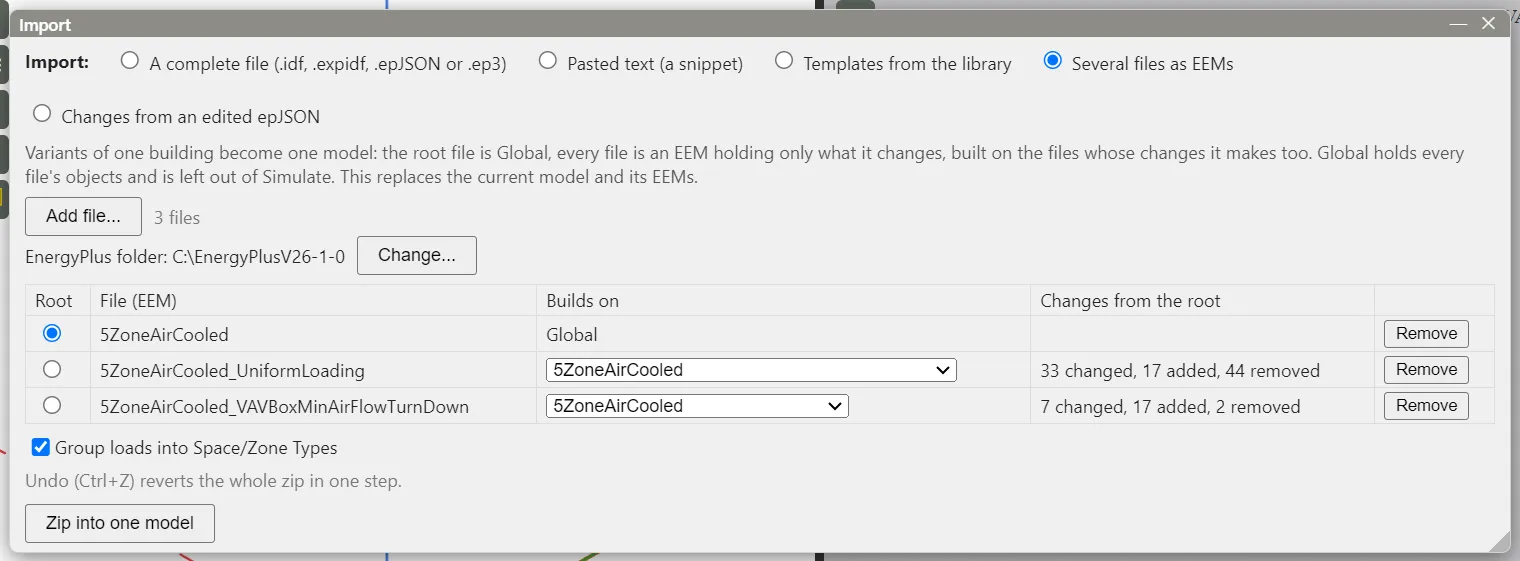
Edit EnergyPlus files with any AI tool, zip them, and open them in EP3 as one model with EEMs you can see and compare.
IDF / epJSON in, EEMs out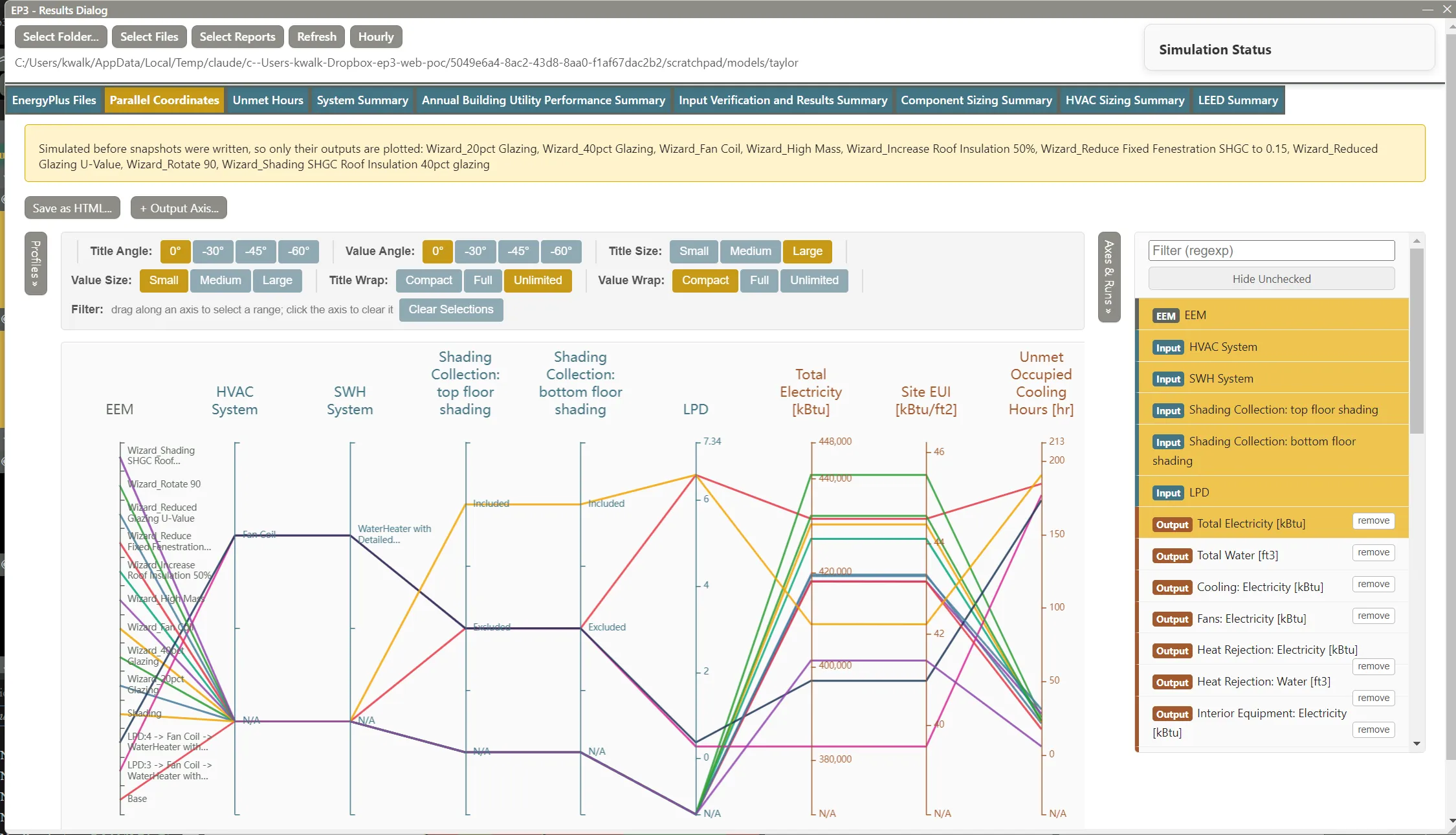
For teams
Share templates across your firm so every project starts from an approach you've approved.
How firms standardize with EP3 →HVAC templates, constructions, loads and schedules come from one shared library.
Standard EEMs modeled the same way on every project, so results compare across a portfolio.
Reviewers check differences from the standard, not every input from scratch.
New modelers start from your firm's templates on day one.
With AI switched on
2,000+ unmet heating hours: root cause found and four fixes offered in about a minute. The Unmet Hours tab shows where and when, at a glance.
For a museum's 45–55% RH target, Atlas charted exactly where humidity control failed, and why.
Attach an architectural envelope schedule. Get correct materials and constructions on the first try.
Security and data control
You decide what the AI can see, what it can change, and where your data goes.
Proposals arrive as a card, one row per change. EP3 tests each one on a copy of your model first. Untick what you don't want, Integrate the rest, and one Undo reverts it all.
Off, Help, Analysis or Full. New models start at Off. Lock down a sensitive project and move faster on the rest.
Use Anthropic, OpenAI or Google, or a model on your computer so nothing is sent to an AI provider. Atlas reads only what it needs.
Project, zone and object names are replaced with placeholders before anything reaches a cloud provider.
By energy modelers, for energy modelers
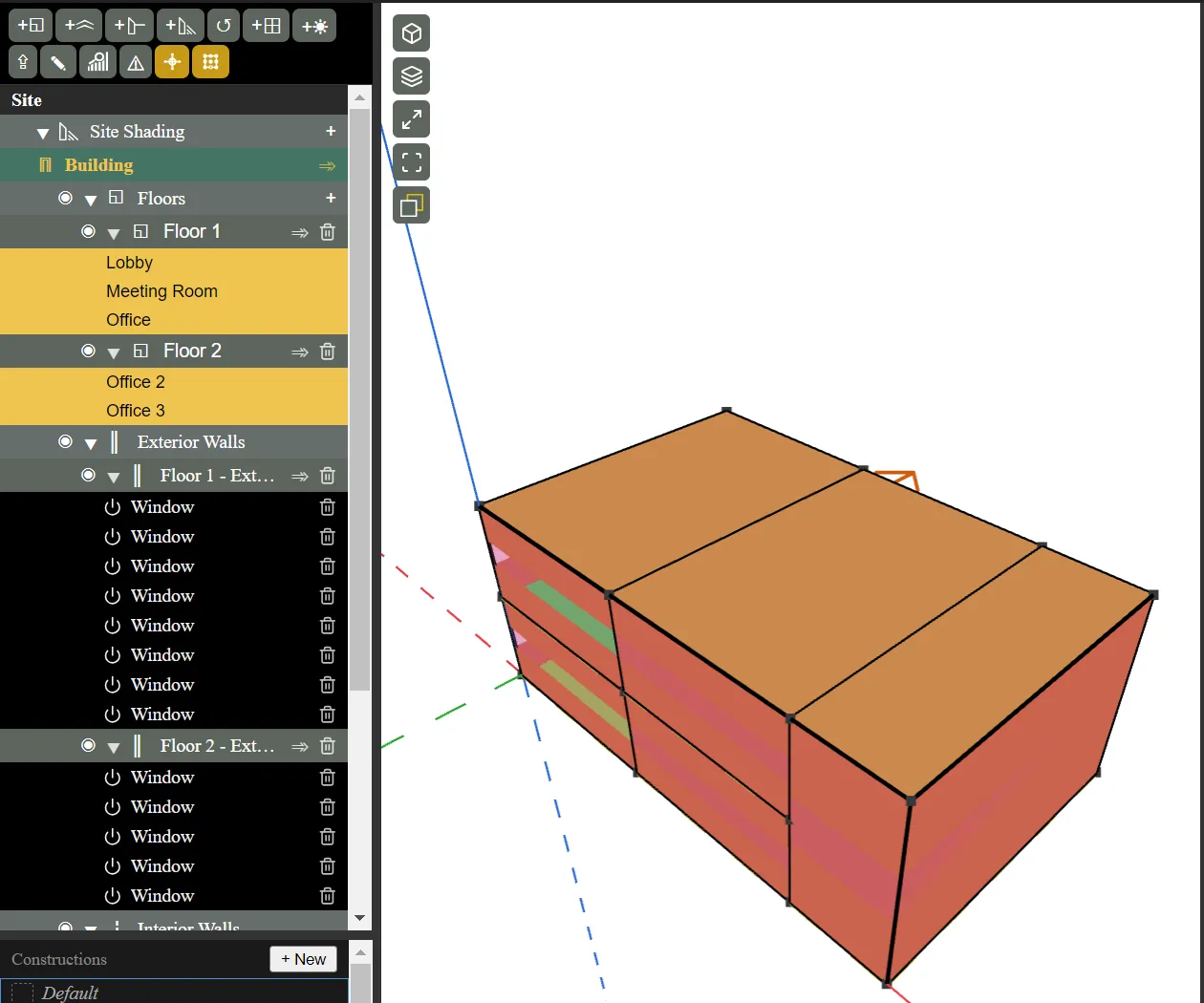
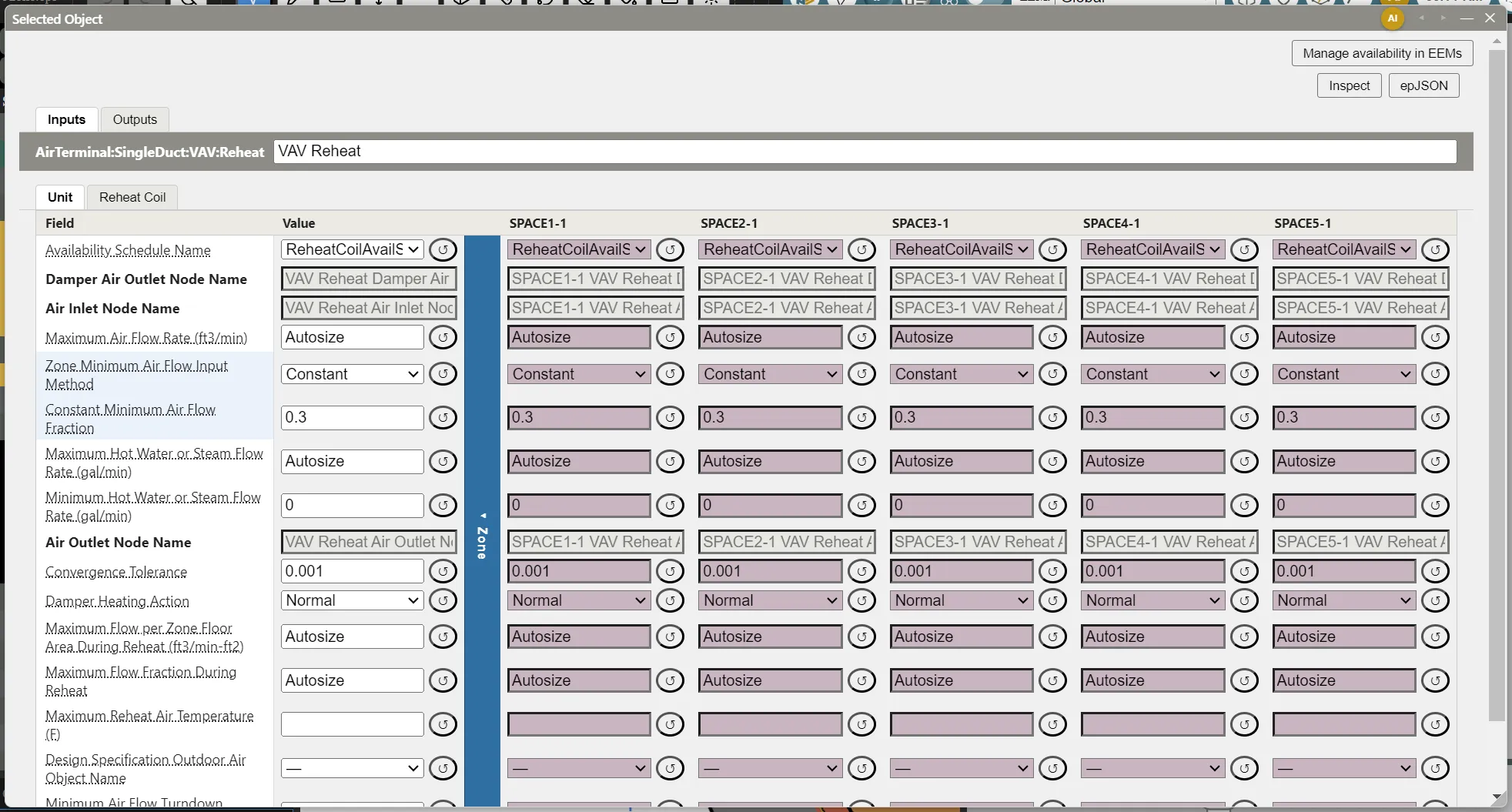
Import complete IDF and epJSON files, HVAC included, and keep working.
Your baseline and every measure live in one file. One hotel model's 30 measures were restacked for submission in five minutes.
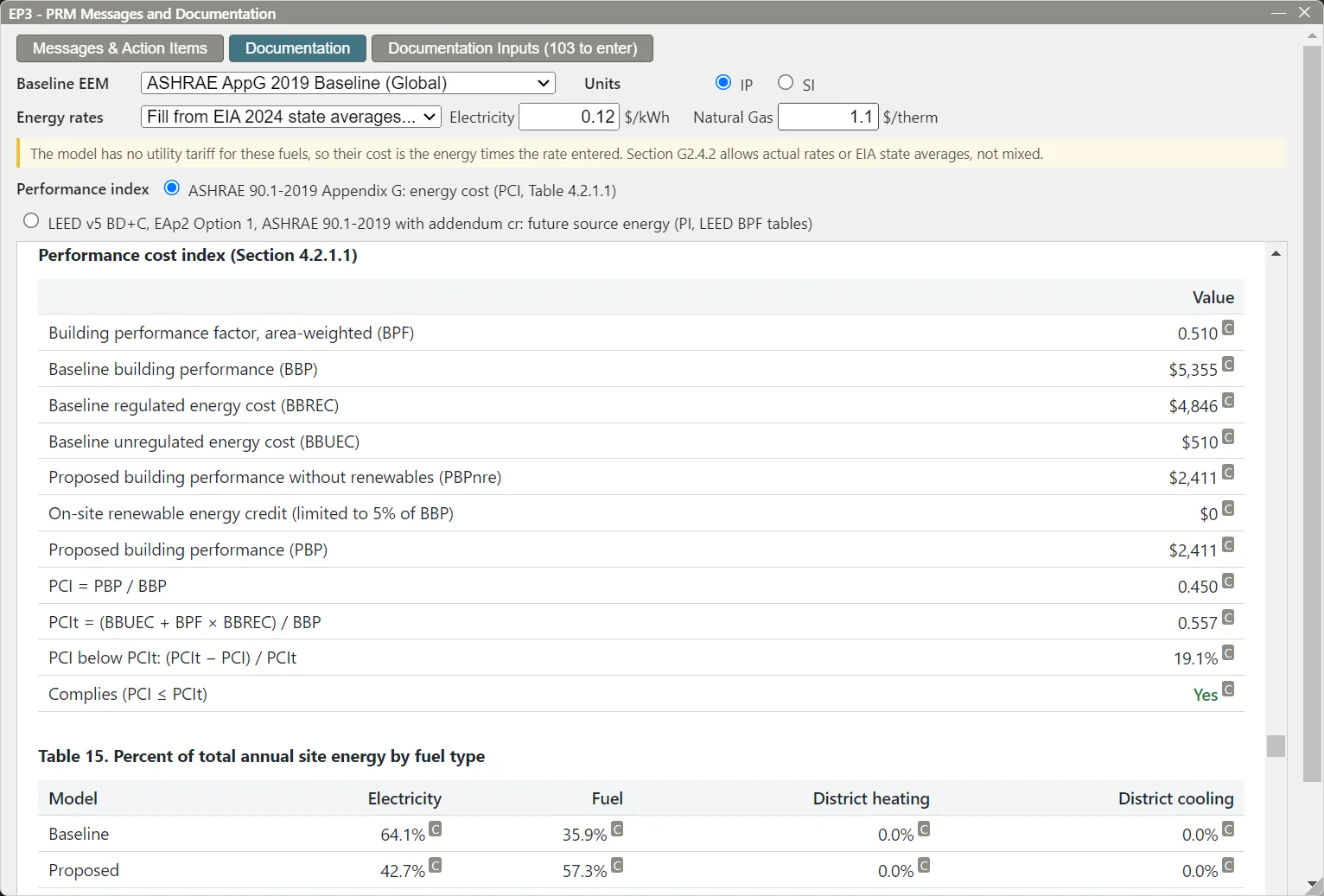
Generate an ASHRAE 90.1 Appendix G baseline, edit anything you need, and get the compliance report with it.
Data overlays on the building and the HVAC diagram show you, and the AI, what's happening.
Cleaner geometry and multipliers cut one 300-zone model's run time by 82%.
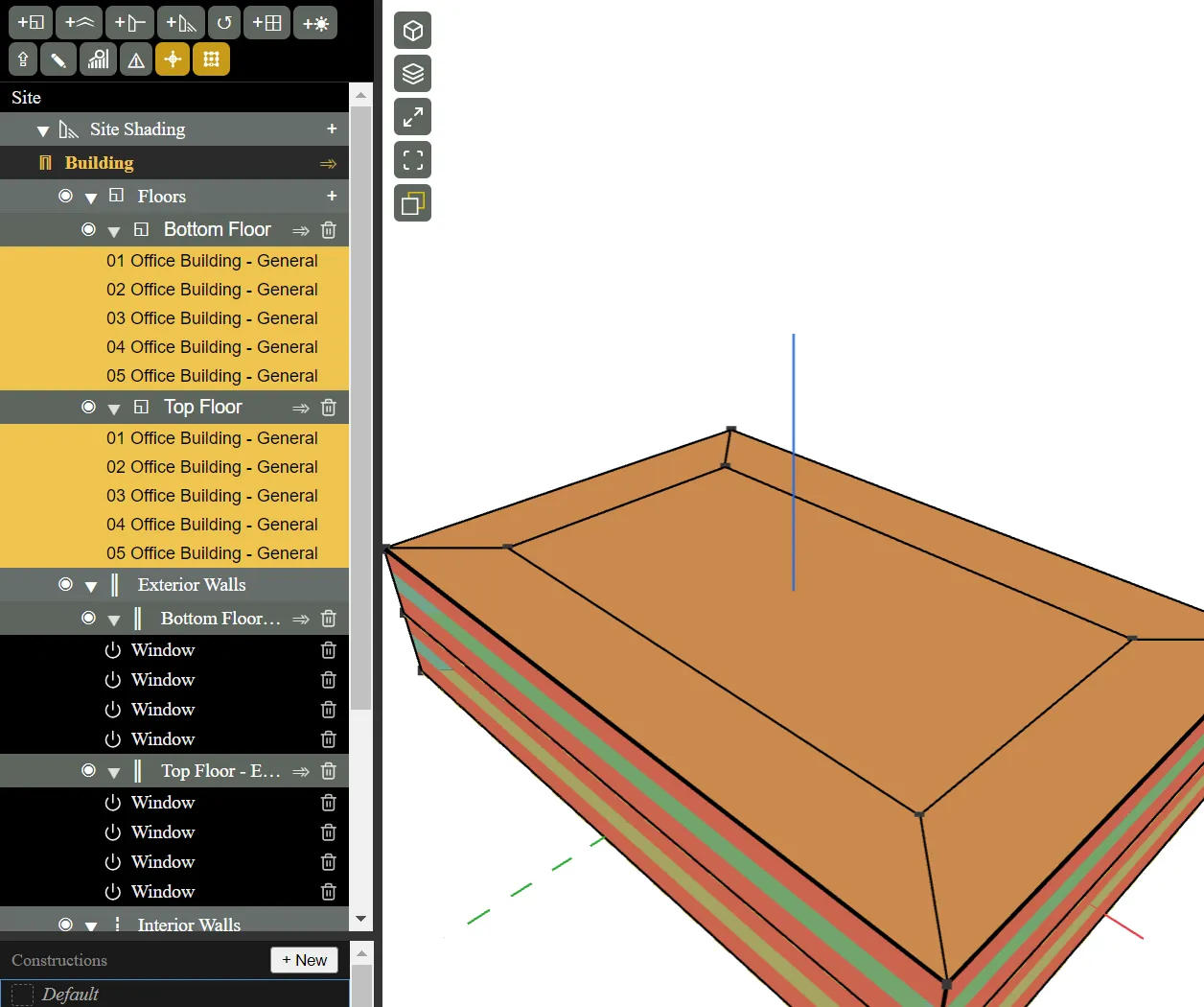
Color surfaces and zones by any output. Spot the underperforming facade and the zones driving your loads, and show clients in 3D.
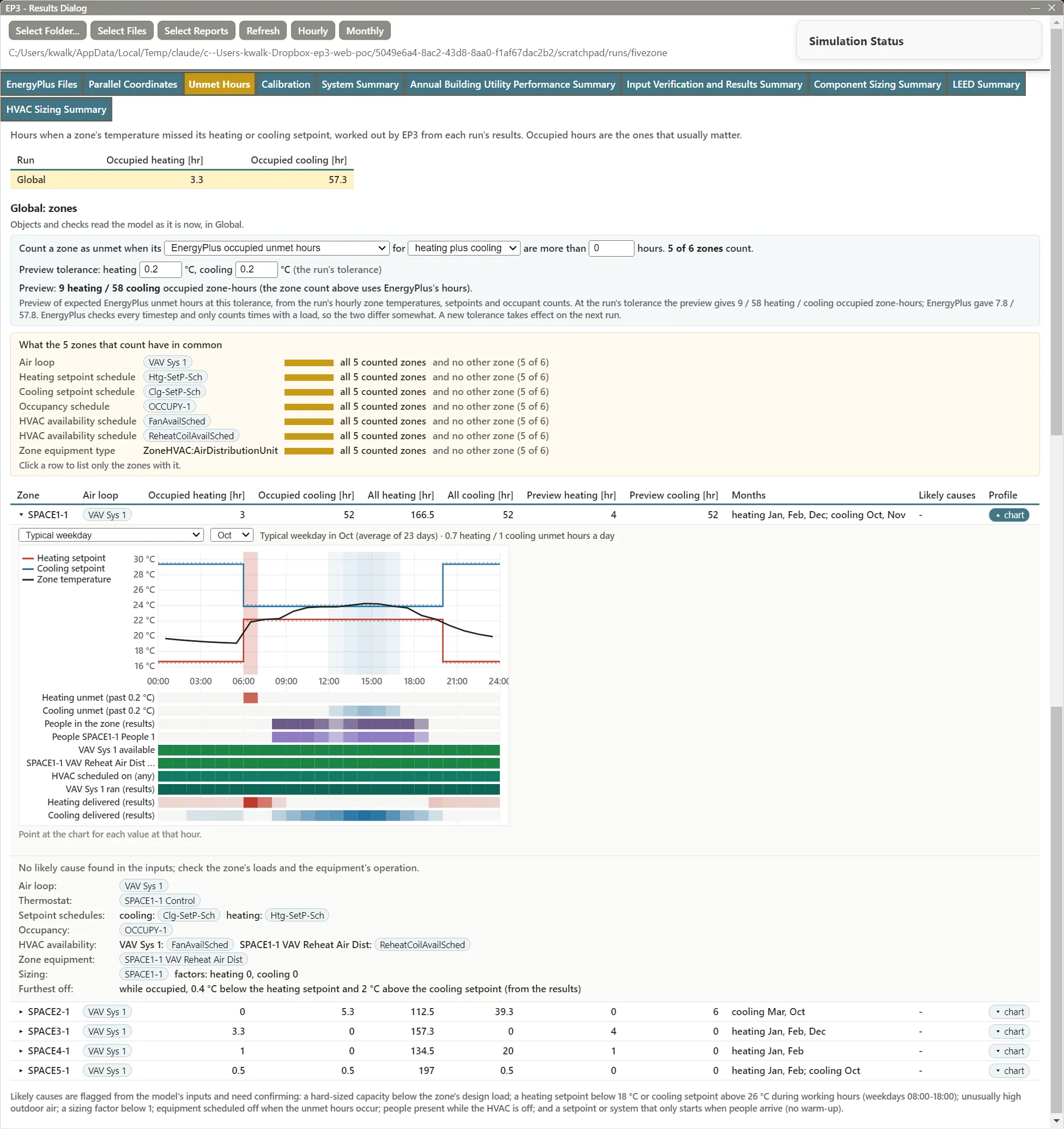
See which zones miss setpoint, at what hours, and what they have in common. Works with or without AI.
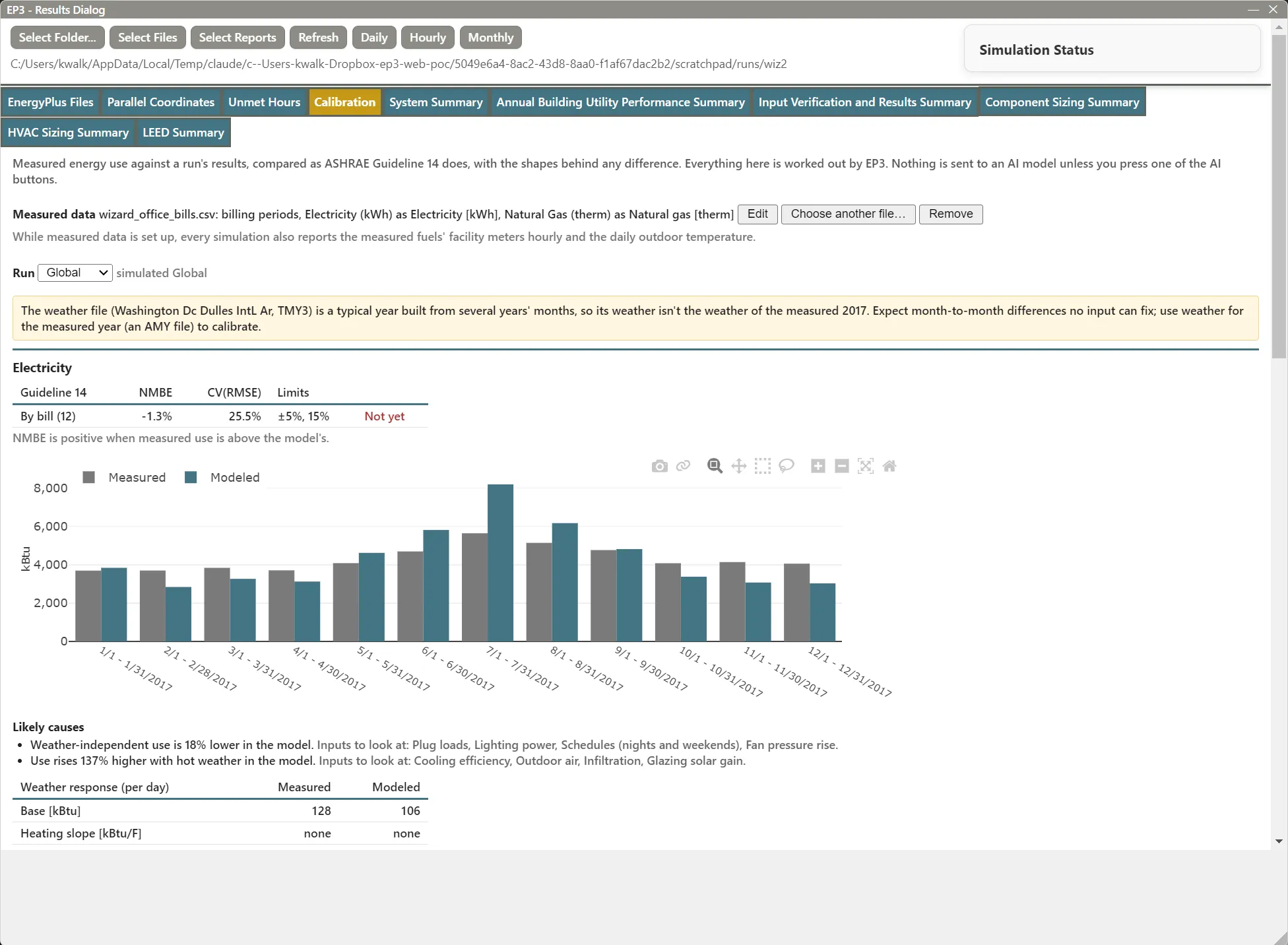
Load meter data or utility bills and see the fit right away. EP3 tunes the model to match. Hand AI a calibration target and it adjusts the model to reach it, then checks that the result is plausible.
EP3 imports were checked against 97 BESTEST models and 3,860 outputs: 95.7% match the originals at R² ≥ 0.99.
How we validate EP3 →“Using EP3 helped me understand EnergyPlus. I've never understood HVAC structure before. Using EP3 made it easy!”
Fill in the form and we'll email you pricing right away. Every license includes support.